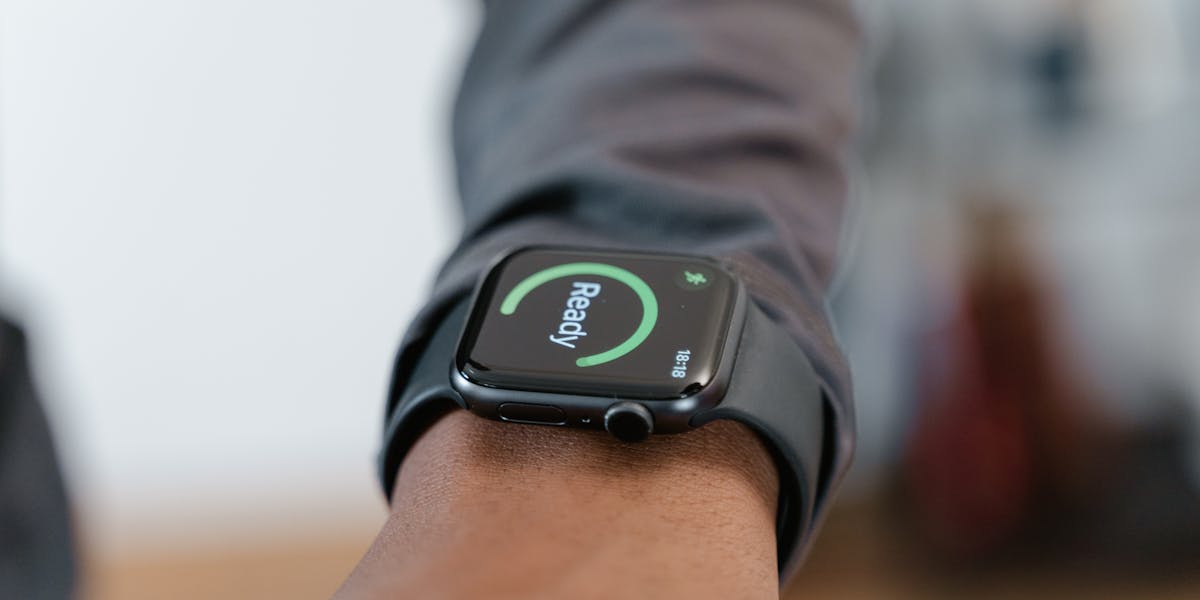
What You Need for Zwift
At minimum: a smart trainer, a bike, a screen (TV, tablet, or laptop), and stable internet. ANT+ USB dongle recommended for PC users for better connectivity. Bluetooth works fine for iPad/Apple TV setups.
Setup Step by Step
Mount bike on trainer, install Zwift app, pair trainer via Bluetooth or ANT+, create your Zwift account. The first ride auto-calibrates your power curve. Takes about 15 minutes total.
Get the Most Out of Zwift Training
Use structured workouts (not just free riding) for real fitness gains. Zwift's training plans are scientifically validated. Pair with a heart rate monitor for accurate Training Stress Score calculation.
Common Setup Issues and Fixes
Bluetooth interference is the #1 problem — keep phone and tablet close to the trainer. If ERG mode feels sluggish, reduce flywheel weight in trainer settings and spin at 85-95 rpm.
Top Picks
Wahoo KICKR CORE 2 EDITOR'S CHOICE
Most popular Zwift-compatible direct drive trainer. Plug and play with automatic ERG mode.
Wahoo KICKR SNAP BEST VALUE
Budget wheel-on option. Easy setup, solid ERG mode accuracy for Zwift beginners.
Garmin Speed Sensor 2
Add speed/cadence data to any trainer. Essential if trainer lacks built-in cadence.
Wahoo TICKR X Heart Rate Monitor
Chest HR strap with motion analytics. Works with Zwift, TrainerRoad, and Garmin simultaneously.
Sources & Further Reading
Reviewed June 18, 2026. Source notes emphasize trainer compatibility, power and sensor protocols, ANT+, Bluetooth FTMS, and Zwift device setup.